Customer sales

Who do I need to call today, and why?

FreightScout: best as an AI execution layer on the TMS you already run, for who do I need to call, with booking and check calls supervised by default.

A spot quote hits the inbox and Scout prices it off your own lane cost history and current buy rates, not a market guess. Spot and contract, both. The reply's drafted and the quote's logged to the account. Send it the customer's bid file however it shows up. FreightScout's RFP and bid response engine matches every lane to your own cost and service history and sends the response back in their template, so it uploads straight into their bid platform. It sits on the TMS you already run.

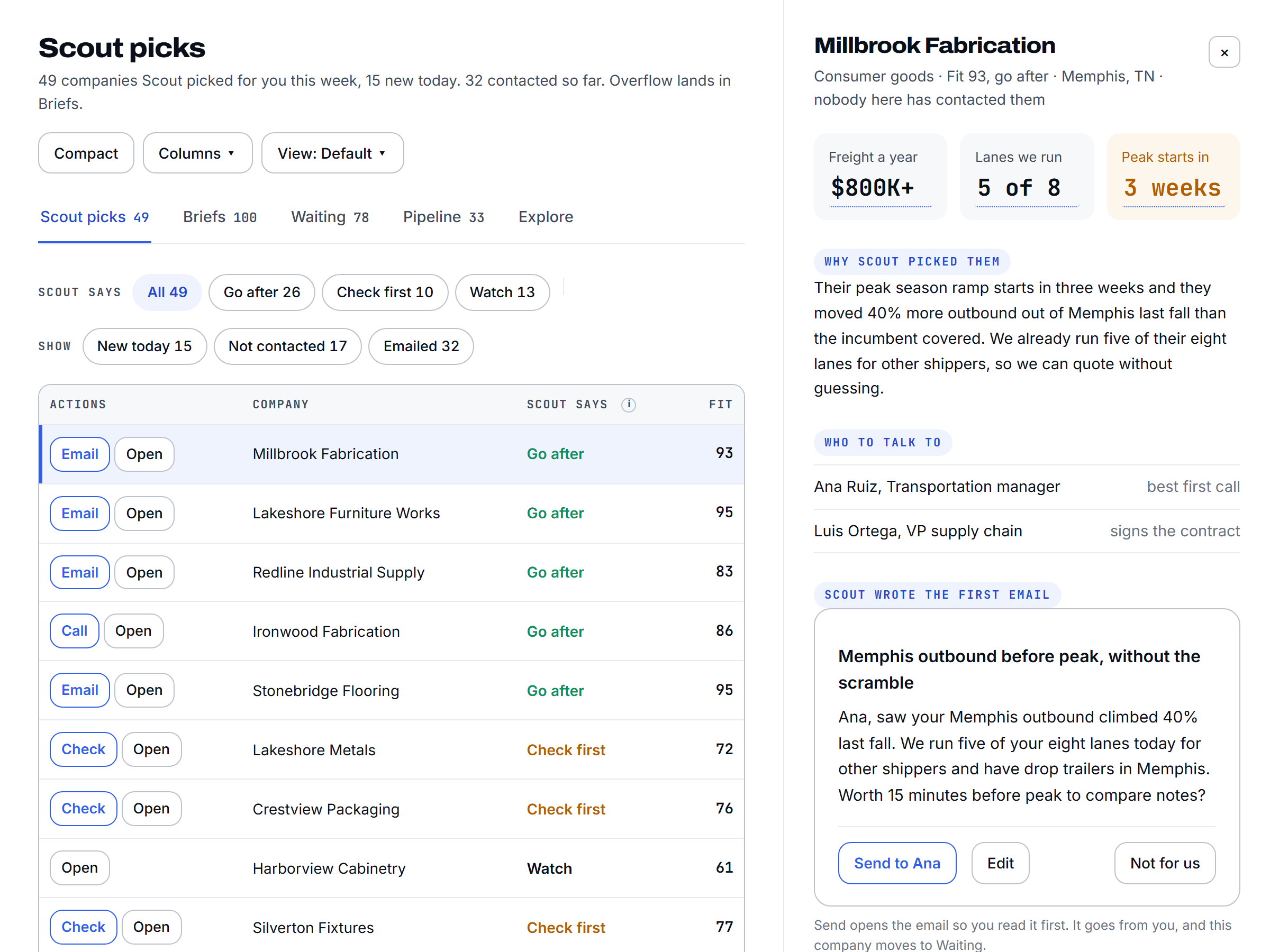
FreightScout finds shippers in the lanes you already run, drafts the outreach, prices the RFP, and tells you when an account goes quiet. Your reps spend the day on the phone, not in tabs.

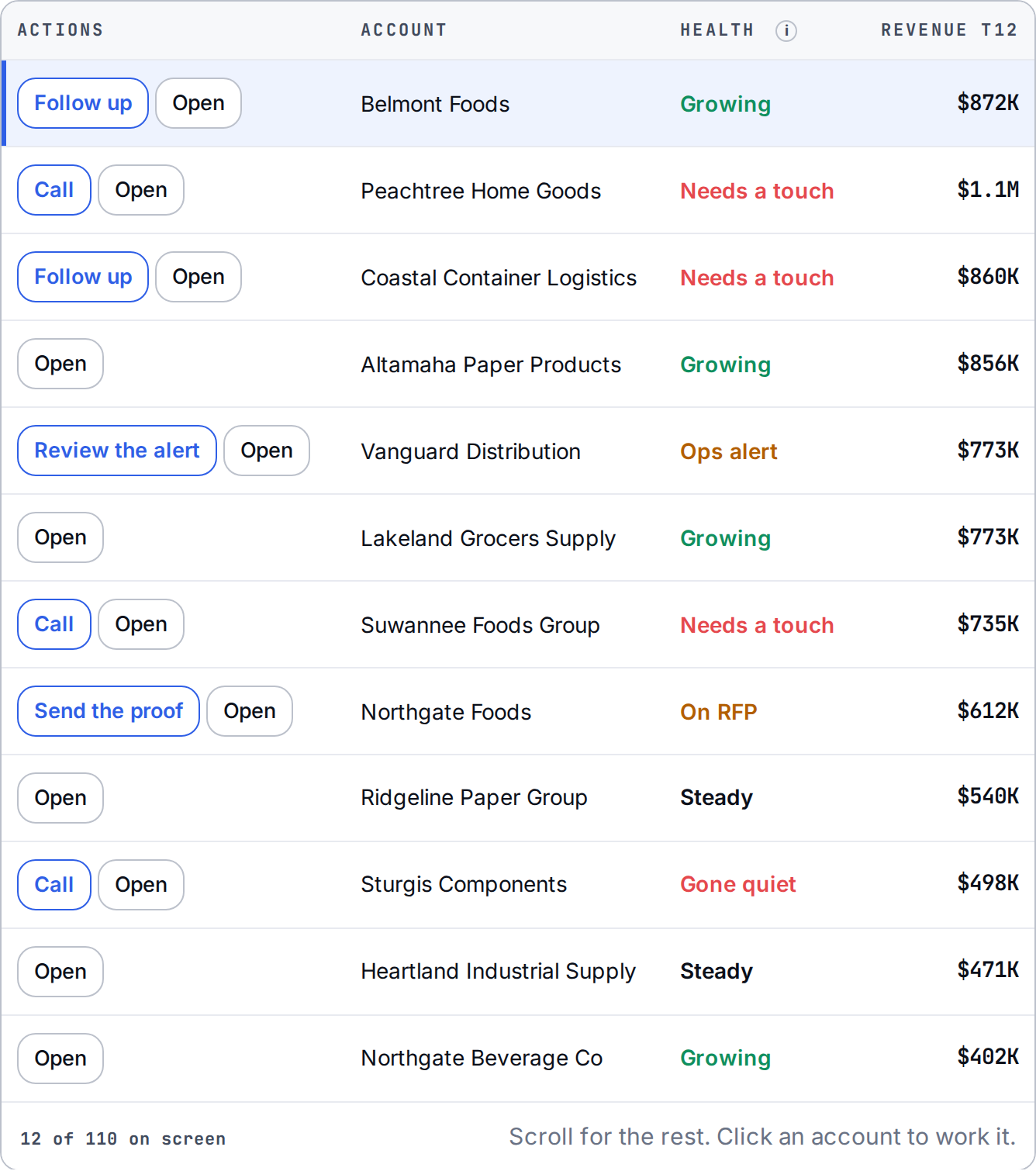
The ranked list of who to call today with the reason to call on every row
Illustrative product view. Sample data.
01 · Prospecting

Start with the lanes you already run.

The best prospect is a shipper moving freight where your trucks already are. Scout finds them, researches the account, and reads the whole book overnight. The rep opens to who to call and the reason to call them. No list pulling. No fifty tabs.

Explore prospecting
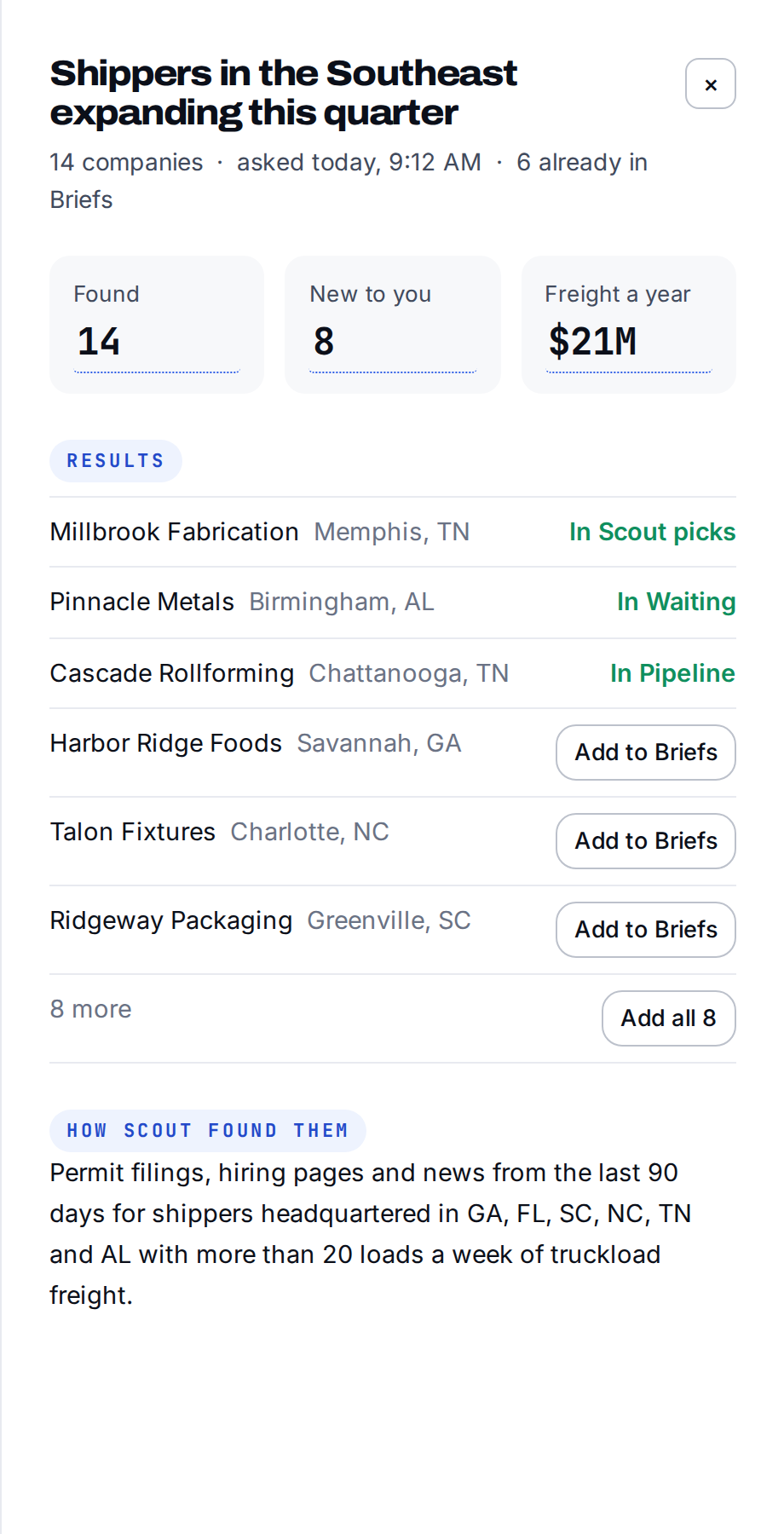
A shipper account researched, with what it ships and who to call
Illustrative product view. Sample data.
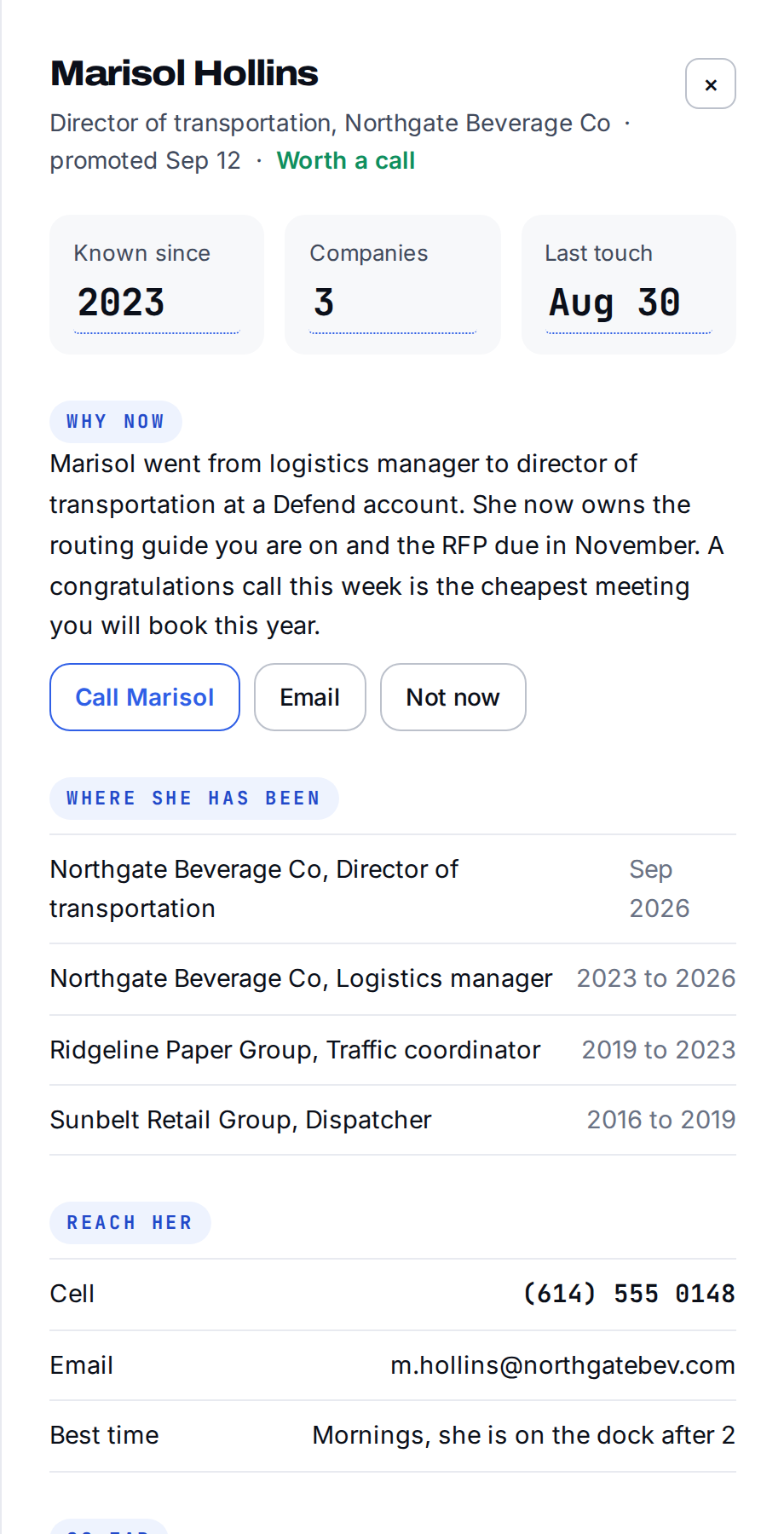
The contacts at a shipper account with titles and phone numbers
Illustrative product view. Sample data.
02 · Outreach

The outreach is drafted. You approve it.

Scout writes the first touch and the follow-ups from what it found on the account. The rep reads it, fixes what needs fixing, and approves. It stops when they reply. If you want it to send on its own, that's a switch in your settings, not ours.

Explore sequences
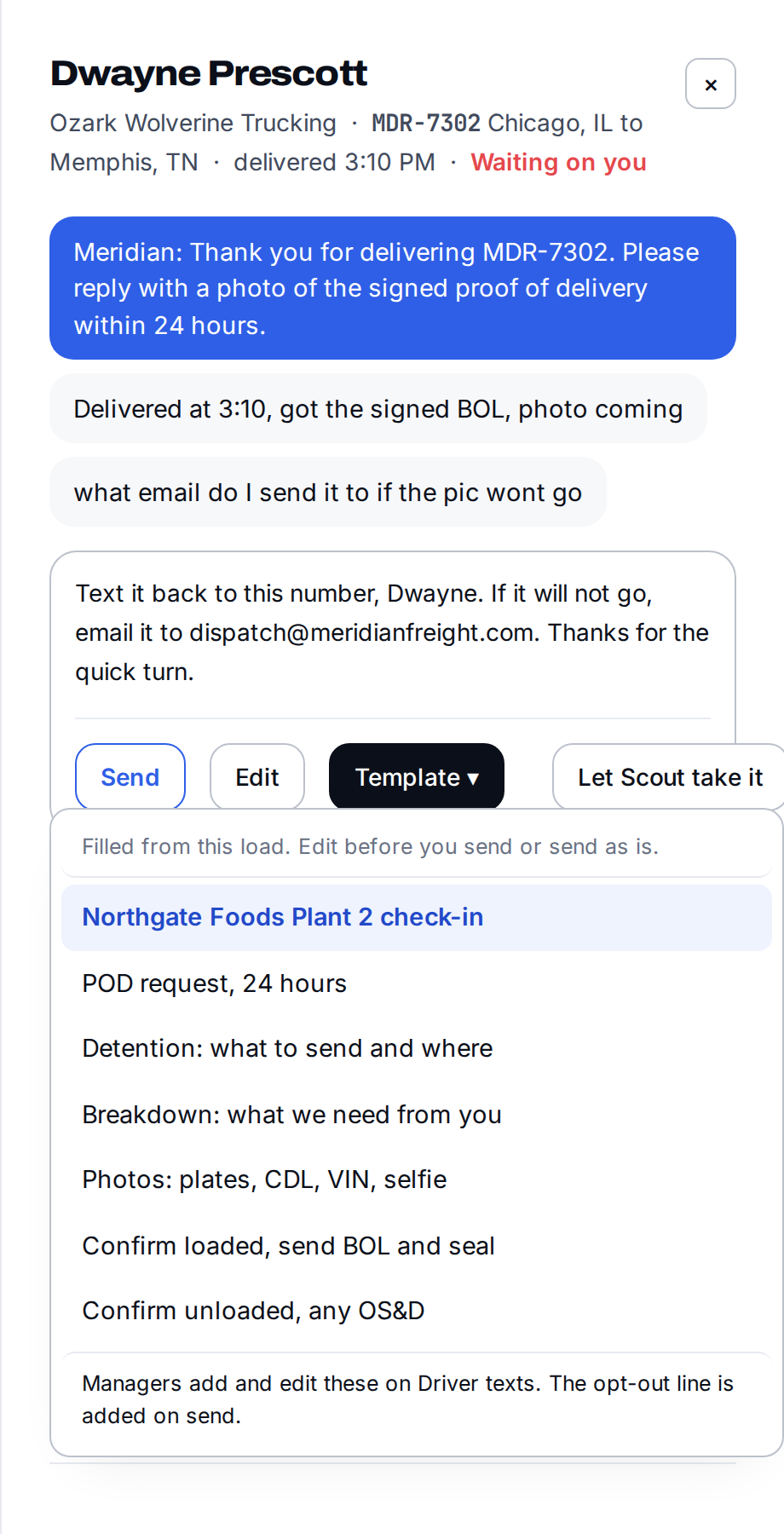
A drafted email to a shipper contact, with the reason for it underneath
Illustrative product view. Sample data.
03 · RFPs

Price the RFP off your own freight.

Every lane priced from where you already run, where your carriers already are, how deep capacity is, the market, and your odds of winning it. The file goes back in the exact format the customer sent, so it uploads straight into their bidding platform.
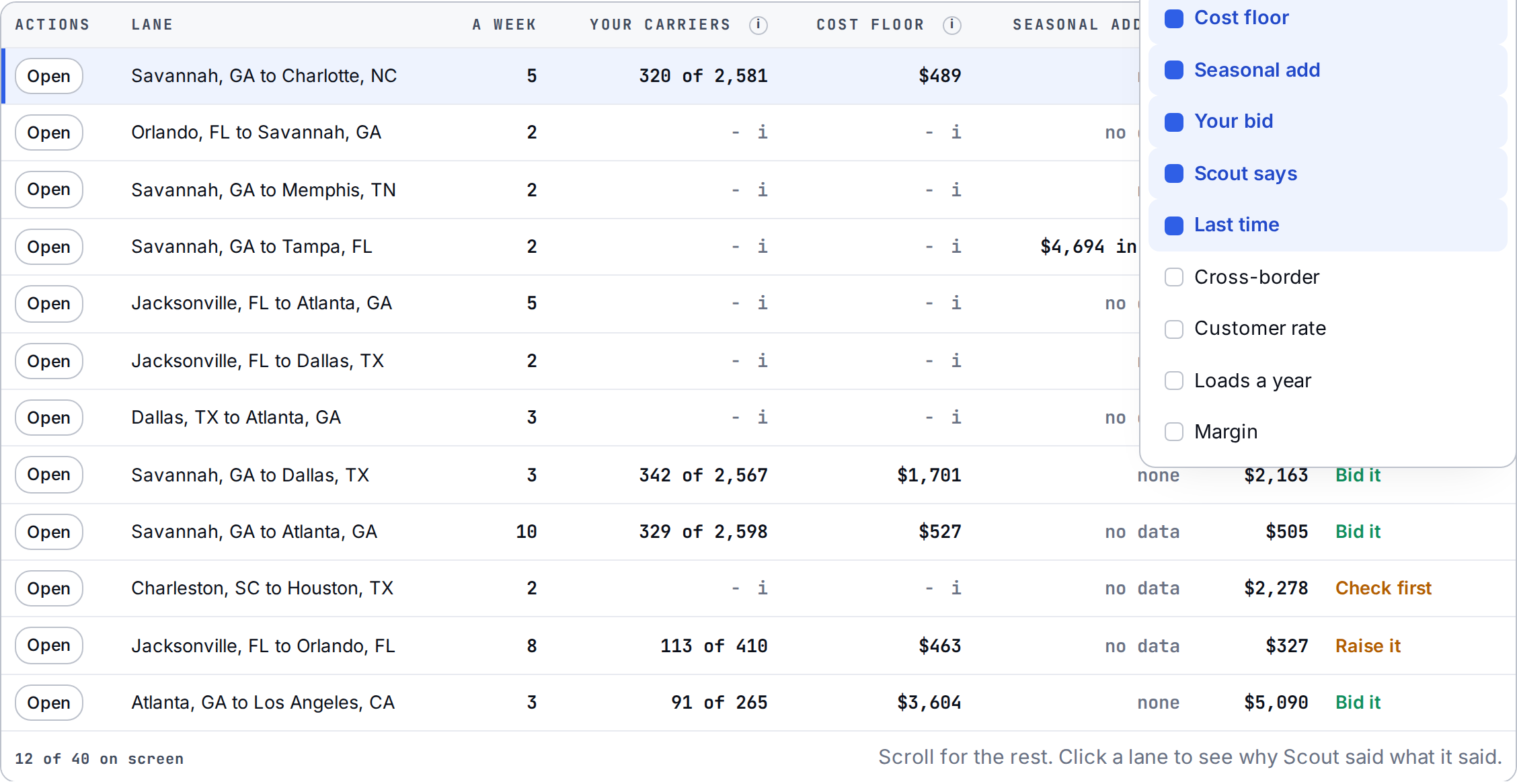
An RFP lane table with your own cost on each lane beside the bid
Illustrative product view. Sample data.
04 · Account defense

Catch the quiet account.

An account doesn't leave in a day. It ships a little less every month. Scout watches volume on every account and says what changed, so the rep calls while it's still a conversation and not a postmortem.

Explore account defense
When does someone notice?Example

Twenty loads a week, then fifteen, then ten, then seven. When does someone notice?
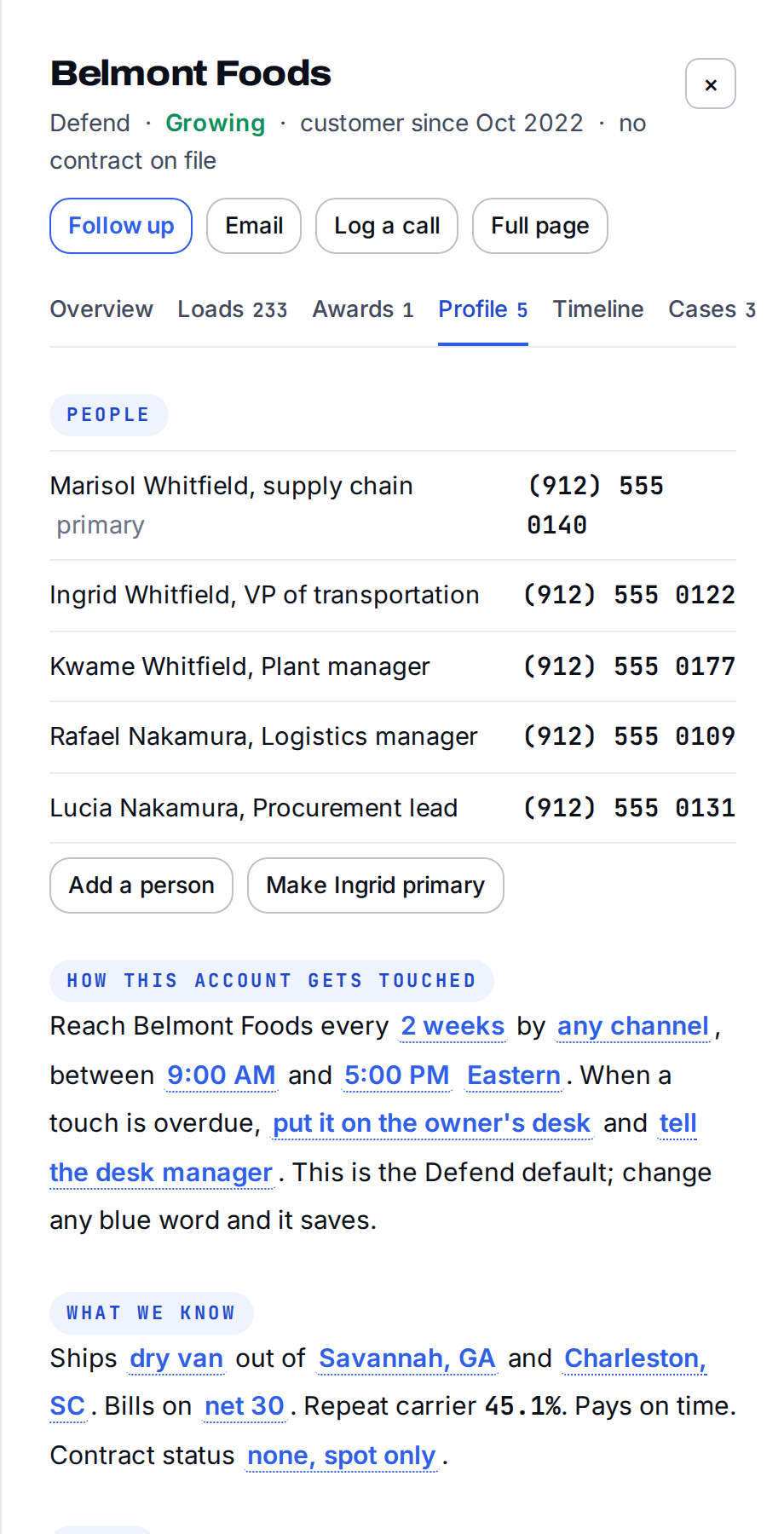
An account with its health score, its lanes and the reason it is slipping
Illustrative product view. Sample data.
05 · The record

The business remembers so the rep doesn't have to.

Meetings, commitments, what the customer said last quarter. It lives on the account, not in one person's inbox. When a rep changes roles or leaves, the knowledge stays.
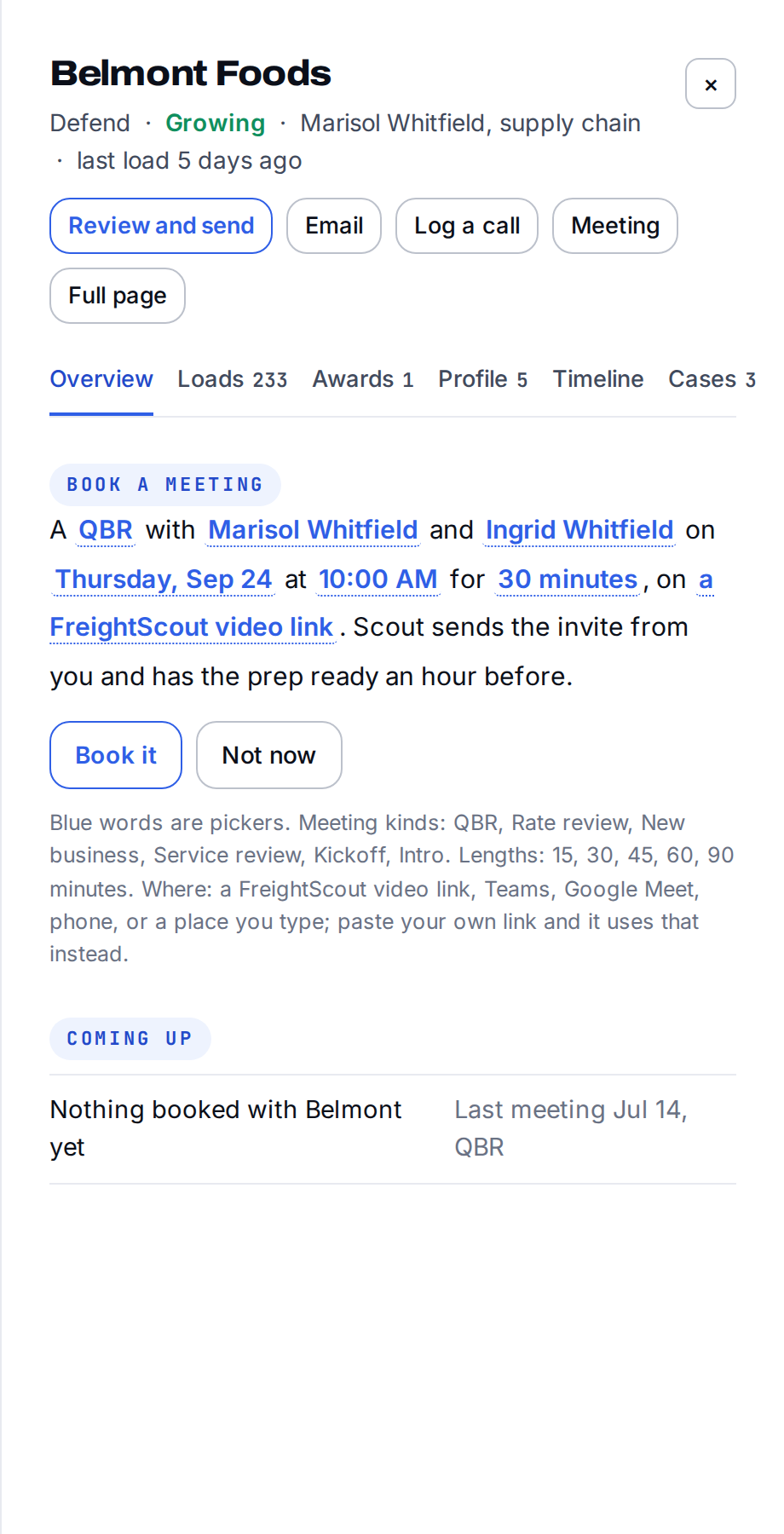
The record of a customer meeting, with what was agreed and what is owed
Illustrative product view. Sample data.
06 · Your freight, mapped

Where you move freight, on one page.

A map of your own freight: the markets you're deep in, the lanes you run, the mode mix. Built from your loads, not a designer's guess. For the whole company, for one rep's book, or laid over a prospect's lanes so he can see where you already have trucks. Your rep sends it as a link or drops it in the email.
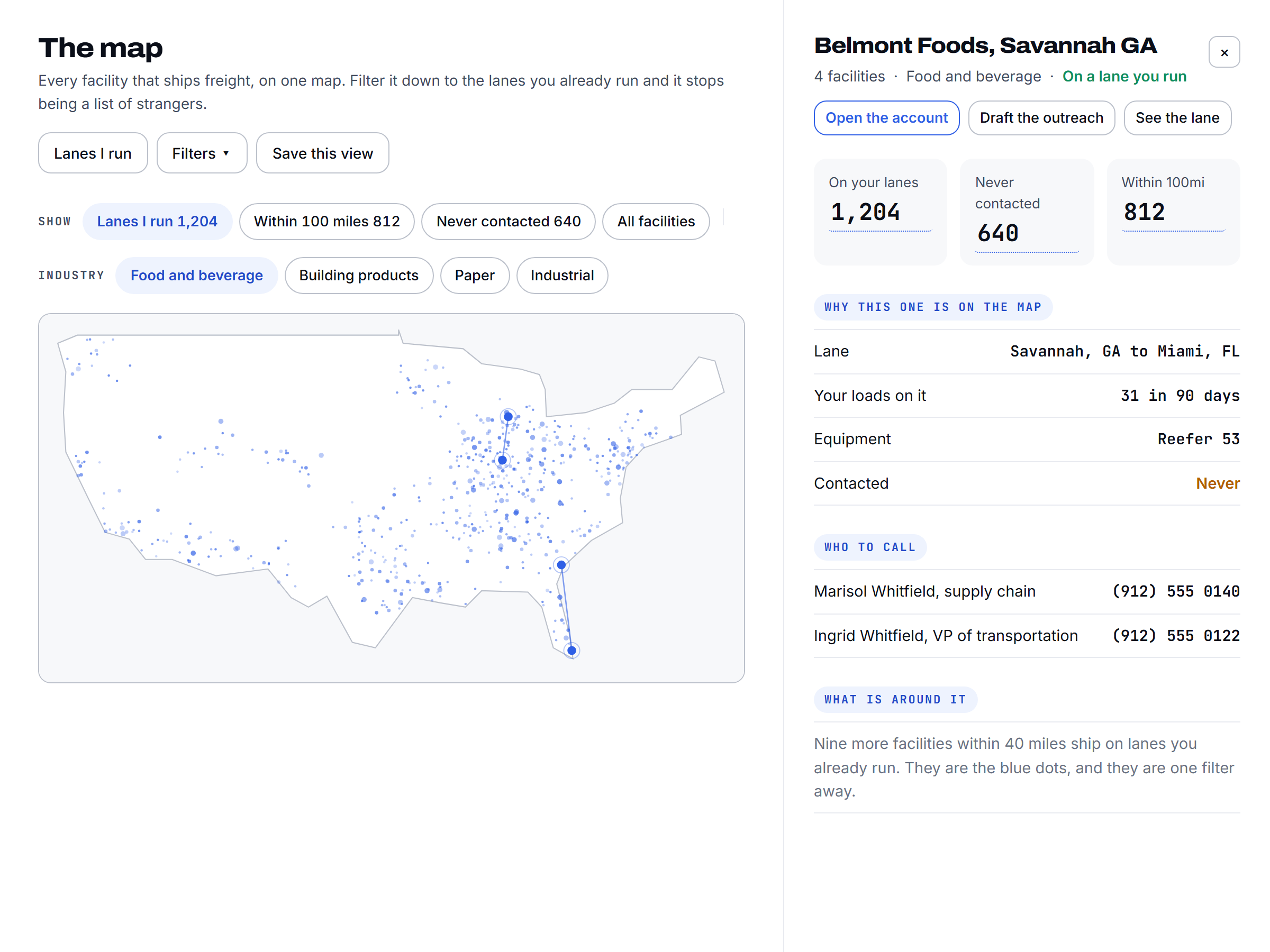
A map of shipping facilities across the country, filtered to the lanes you run
Illustrative product view. Sample data.
07 · Win it back

Win it back.

When an account slips, the outreach to get it back is already drafted, with what changed and what to say about it. The rep makes the call.
The lane history on an account, showing what it used to move and no longer does
Illustrative product view. Sample data.
08 · Zero data entry

Nobody logs anything.

Calls, emails, meetings, and replies land on the account by themselves. Clearing the flag is the logging. Your Monday pipeline meeting runs on what happened, not on what people remembered to type.
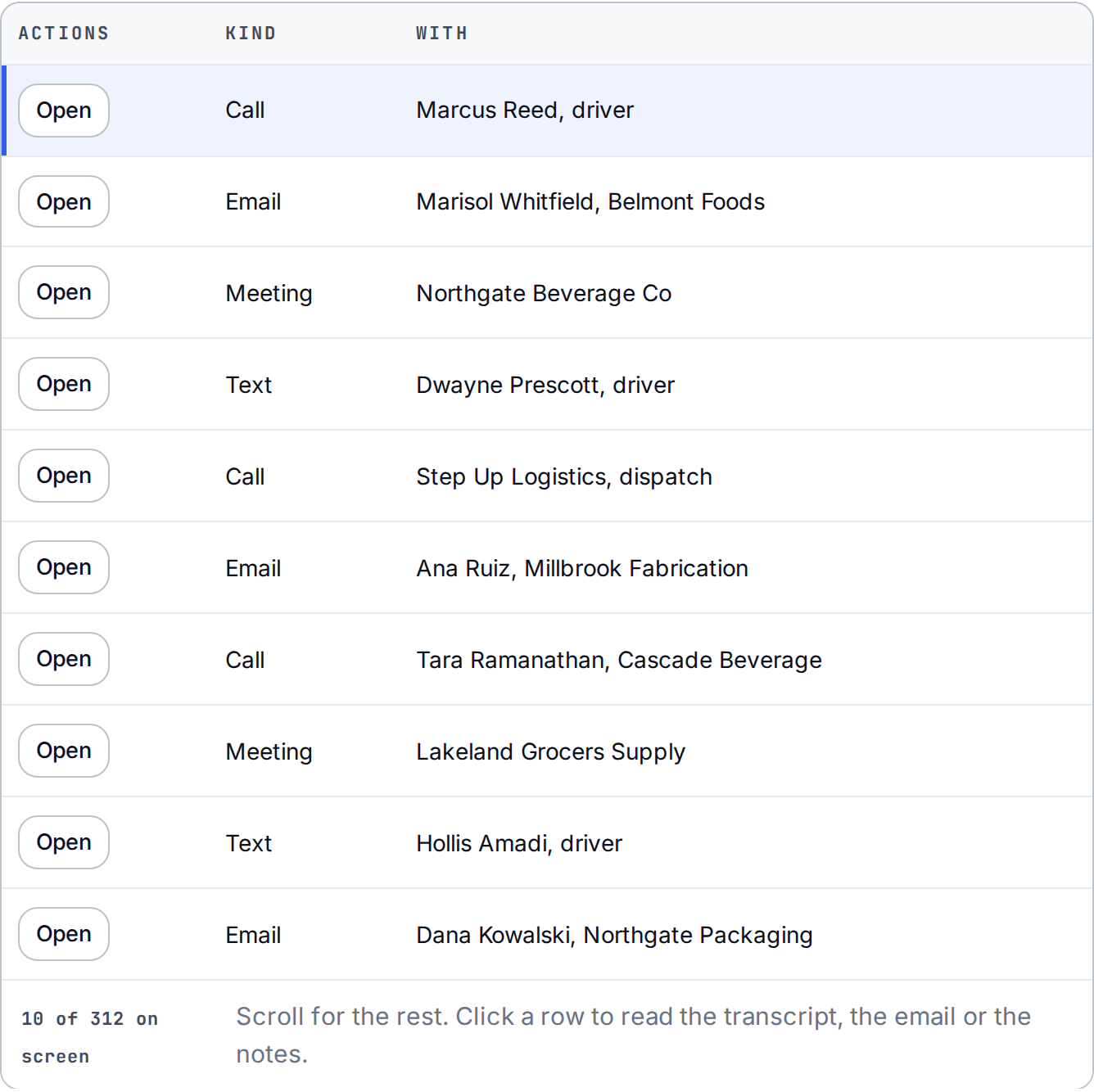
The activity log, with every touch written down without anyone typing it
Illustrative product view. Sample data.
09 · Reporting

Ask for the report. Don't build it.

Margin by lane. Top customers this quarter. What's working on the floor. Ask in plain English and it writes itself. Monday's numbers show up in your inbox without three exports and a pivot table.

Explore reporting
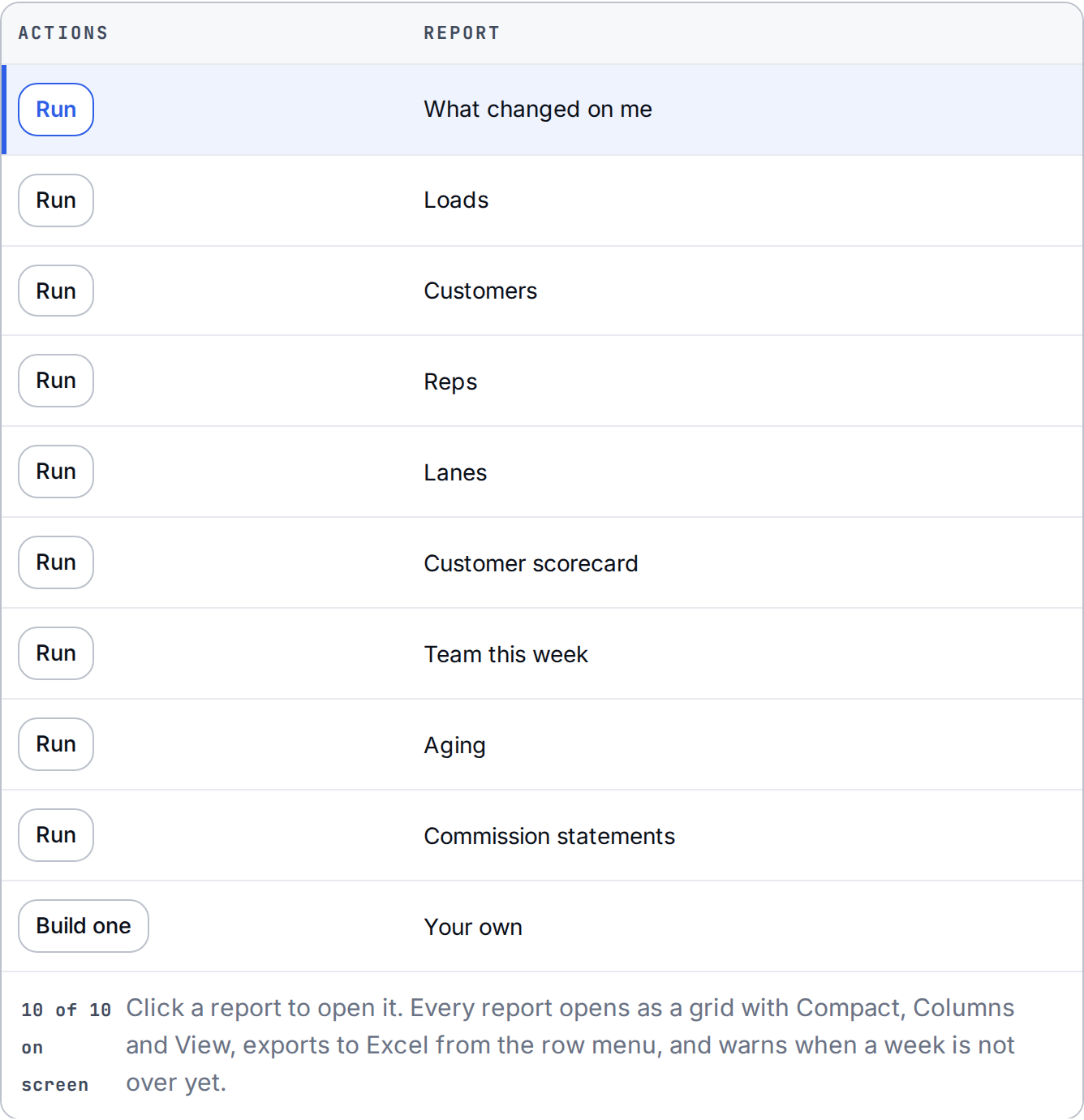
A margin report written in plain English from the live book
Illustrative product view. Sample data.

Go deeper: Prospecting · Sequences · Account defense · Shipper outreach

Straight answers.

Does it replace my reps?

No. It gives them an agent for every task that isn't building the relationship. Sometimes you need another great person. Sometimes you're about to hire someone to manage work the process should have fixed first. Know the difference.

Does it replace a generic contact database?

For freight prospecting, yes. It finds shippers by lane.

Does anything send without us?

Only if you turn that on. Shipper outreach runs supervised by default. You approve every send until you flip that action to autopilot.

Can AI quote freight off my own lane history?

Yes. Spot and contract quotes are priced off your own lane cost history and current buy rates, not a market average. Scout drafts the reply, logs the quote to the account, and nobody re-keys it. It sits on the TMS you already run. The product page is freight quoting.

Is there AI that responds to freight RFPs from my own history?

Yes. FreightScout's RFP and bid response engine takes the bid file, prices every lane off your own cost and service history, and returns it in the customer's template. The lanes you win flow into the same system that builds and books the loads.

Can I ask Scout about my book?

Scout knows every load, account, margin and signal you have. Ask who's slipping and it tells you why, with the datapoint. Then it drafts the email, logs the call, sets the follow-up. You approve.

How is margin attributed?

Load, customer, rep and lane P&L on demand, in plain English. Margin is attributed to the rep who sold the account and the coordinator who ran the load, so the pay conversation and the coaching conversation run on the same number.

See it run your book.

A live demo. No slides.

Book a demo